App that track your hydration while dynamically adapting
to your routines through AI interactions
Have a quick look at "pitch deck video"
Full walkthrough Raj's day with the AI Hydration app
Let's look at journey of Raj how he experiences
his hydration Journey
Raj wakes up feeling fresh & first thing he does in morning is reaches his phone, notification pops up. Raj feels a small sense of curiosity and motivation
While getting ready for work, checking messages, & preparing to leave, he becomes fully occupied with multiple tasks.
In the rush of finishing breakfast & packing his bag, he forgets to drink water.
Raj is deeply immersed in his work. Meetings, emails, & deadlines keep his attention fixed on his screen.
In the middle of this busy work rhythm, he remembers about hydration with little worried face he opens his phone.
After a while, Raj switches from water bottle to glass during snack time.
In the evening, Raj's plan changes & he decides to go to the mall and a café instead of the gym.
He feels a little spontaneous and excited, enjoying the flexibility after a long workday.
How choosing voice input over tapping input
can reduce dropoffs drastically
Tapping still asks for attention, time, and effort. In real-life situations walking, working, multitasking that small effort becomes a reason to delay, and delay turns into drop-off.
I did competitor analysis to understand how logging has been done
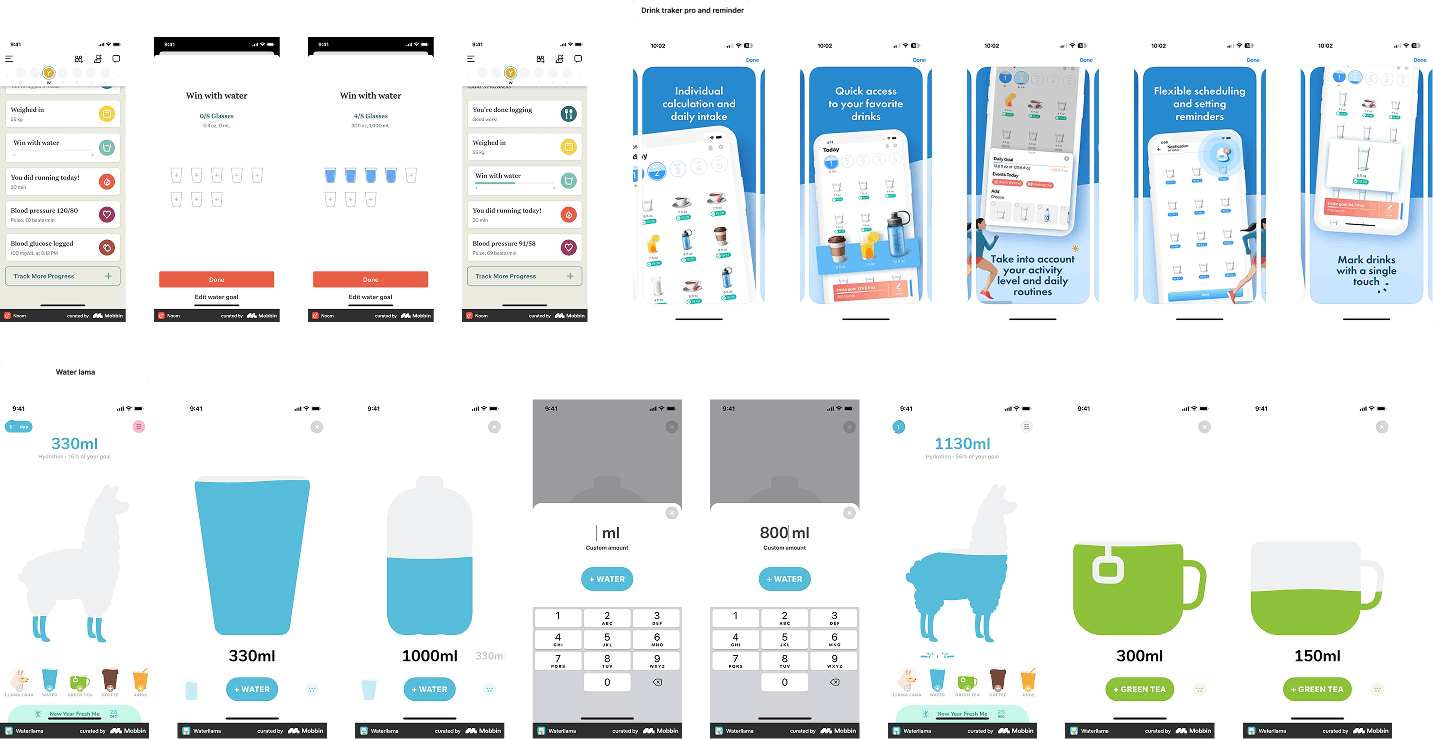
Normal apps don't have flexibility to log easily and change routine.
This was when I delved deep into the users journey
I handled out the journey of user where he experiences different scenarios & emotions. While analyzing the journey, I noticed something subtle but important: users know they need to log water, but often didn't not because they forgot, but because logging itself felt like effort.
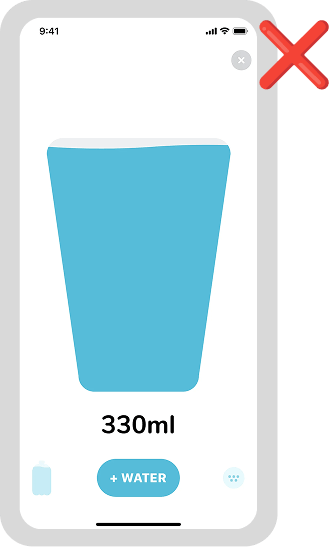
Manual input
- Delayed Logging
- Breaks habit loop
- Requires cognitive effort
I explored alternatives (quick buttons, auto-triggers), but they all required visual attention or manual input. That's when dictate stood out because it fits into real-life behavior.
Then I designed it intentionally:
- One tap voice input → no typing, no navigation
- Works while walking, working, or multitasking
- Interprets natural phrases like "had 2 glasses"
- Gives instant feedback to close the loop in app
I specifically focused on in-the-moment capture, because habits are strongest when action and logging happen together.
Now, Lets see how voice input helps business?
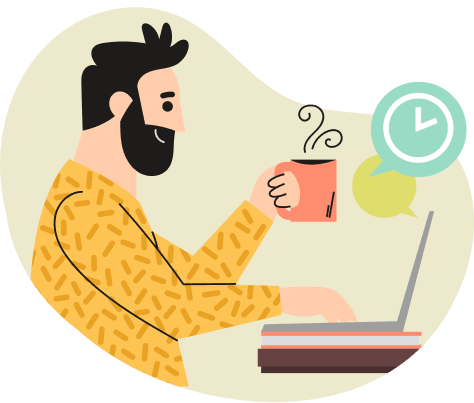
- He forgot to add water since morning.
- The app shows 500ml at 4:30 PM
- He feels slightly tired, slight headache.
- He knows he should drink more.
- But adding feels like work.
- He opens your app.
- Instead of:
- Manually tapping glasses
- Manually typing to AI
- Manually editing routines

- How it Works:
- Users collect coins by logging through voice/camera
- They can redeem anytime and pays remaining amount to company
- Bottle unlocks:
- Auto-tracking
- AI hydration insights
- Temperature tracking
- Smart reminders
- Premium dashboard
• "You're 70% toward Smart Bottle"
• Progress bar nudges
• Personalized reminder:
Voice dictate feature
How I Design for Real Life: Making Habit Tracking
Effortless Across Changing Containers
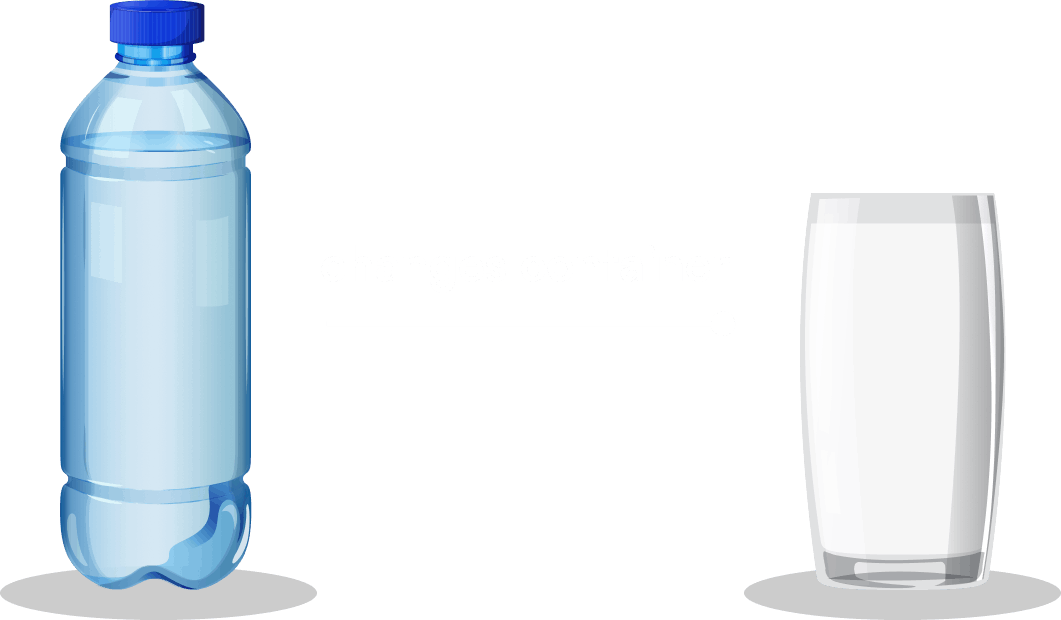
When I started thinking in journeys, one question kept coming to my head:
Because in reality, Raj doesn't stick to one container.
His day keeps changing home, office, meetings, gym.
01Initial Ideas I Explored
I explored two directions:
1. Static selection (photos/icons of containers)
- Show different containers like bottle, glass, mug
- User manually selects what they're using
Problem:
- Still requires effort user has to think before logging
- Breaks flow in quick situations (like meetings)
- Feels like a "task", not a natural action
02What if the app understands the container?
This led me to a more interesting thought:
"Instead of asking Raj... what if we just let him show it through camera and let AI measure it?"
then i started to design for little clarity
Input
AI generates
Output
Using camera references
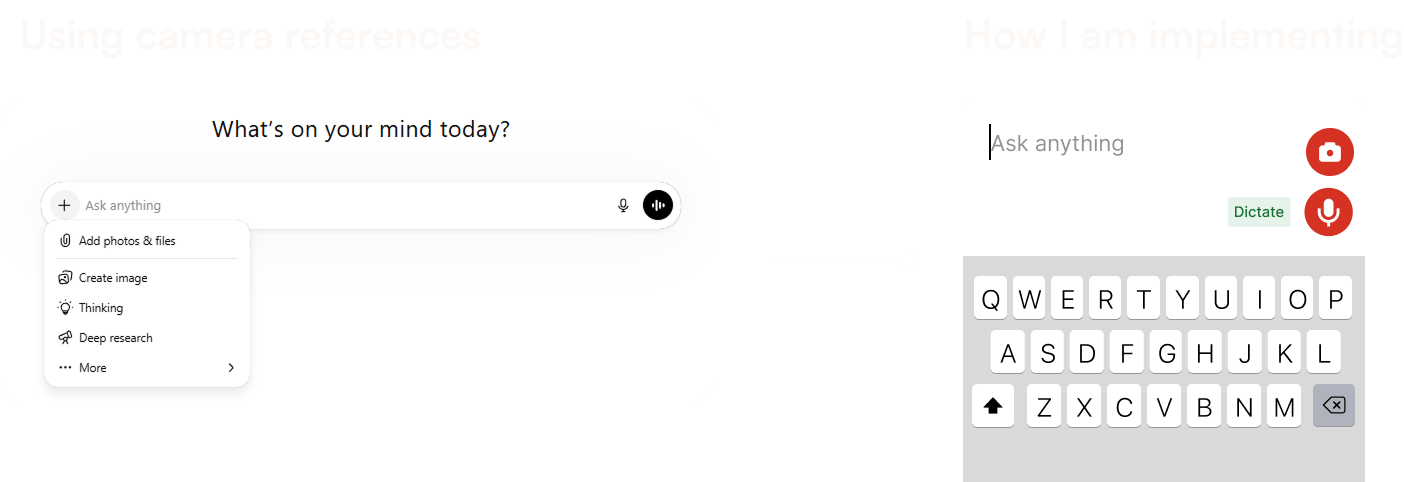
Final Decision: Camera-based logging container
I introduced a camera feature where:
- Raj can quickly scan his bottle or glass
- The app detects / logs it instantly
Why this clicked
- Removes decision fatigue no need to select or calculate
- Matches real-world behavior just show what you're using
- Works in all situations desk, meeting, gym
Outcome
This made the experience of camera feature:
- Faster
- More intuitive
- Context-adaptive
And most importantly
👉 It helped Raj stay in the habit loop even when his routine changed.
Changing container flow
Contact me to know more critical decisions about this project!